
That little solid red light on your Milwaukee M18 charger isn’t a problem. It is a diagnostic light. It signal to you that there was some sort of fault found by the system and you need to address it or have faulty item replaced.
It will save you having to buy more batteries you don’t need and it prevents you from throwing a good charger under the bus because someone had a dirty contact. Depending on which battery you have and what type of charger you use, a flashing red light indicate different things. Is the battery dead?
Is it a connection issue? While some users assume any red light means the battery is destroyed, others think it indicates a simple connection issue. It’s somewhere in between.
These chargers is built with safety interlocks to ensure they don’t charge batteries when it’s unsafe. If charger detects this unsafe condition, it will stop charging and show an error. Rather than replacing parts right away, you want to determine if it’s a chemical, mechanical, or environmental issue.
You should also troubleshoot the logic behind what the system is indicating. A flashing light signals an out-of-balance cell, temperature threshold exceeded, or electrical resistance. Red lights are the most common signal; examine the causes individually so you can isolate the problem.
Resetting, cooling down or cleaning up is usually all it takes to fix most issues. A very small number of red means the battery cells has catastrophically failed. Don’t replace good hardware; instead, get your tool working again.
Understanding And Fixing Milwaukee Charger Red Lights
What the Red Light Indicates
The problem most often involve dirt and grime on the contact points. Chargers and batteries has gold-plated contacts. Dust gets on those contacts at construction sites.
It lands on the battery and settles on charger contacts. That barrier prevents good electrical contact. The charger detects high resistance and sends out a protection signal by lighting up the red light.
Cleaning Battery Contacts
Sometimes it will be flashing or blinking really fast. Cleaning it off takes very little time and requires no tools. Using a Q-tip or clean, dry cloth, simply wipe down the battery contacts.
Next, use a dry, clean cloth to wipe down the contacts in the charger. Look closely under good light to ensure no black carbon residue is left behind. If you do this, it will solve most peoples charging problems.
It is a quick fix requiring minimal effort.
Temperature Issues and Safety
Lithium-ion batteries are very sensitive to temperature and Milwaukee chargers is strict about their temperatures. Too warm and it won’t charge (red light).
Too cold and it won’t charge either (red light). It’s not a flaw in the battery or charger; it’s a safety mechanism. Overheating a lithium battery during charging can cause permanent damage or even catch fire.
Not only could it catch on fire but it can be permanently destroyed. Placing a frozen battery into a charger will result in what is called lithium plating. In this process, the battery develops an internal short and its capacity decreases.
Sometimes a battery may be hot to the touch when removed from use after heavy work. Give it time to cool off, perhaps 15-30 minutes, then attempt another charge. In the colder months, you have been working outdoors.
Bring that battery indoors and allow it to come back up to room temperature. Often, you just need to wait until it returns to its normal temperature. Being patient now prevents damage later.
Power Source and Outlets
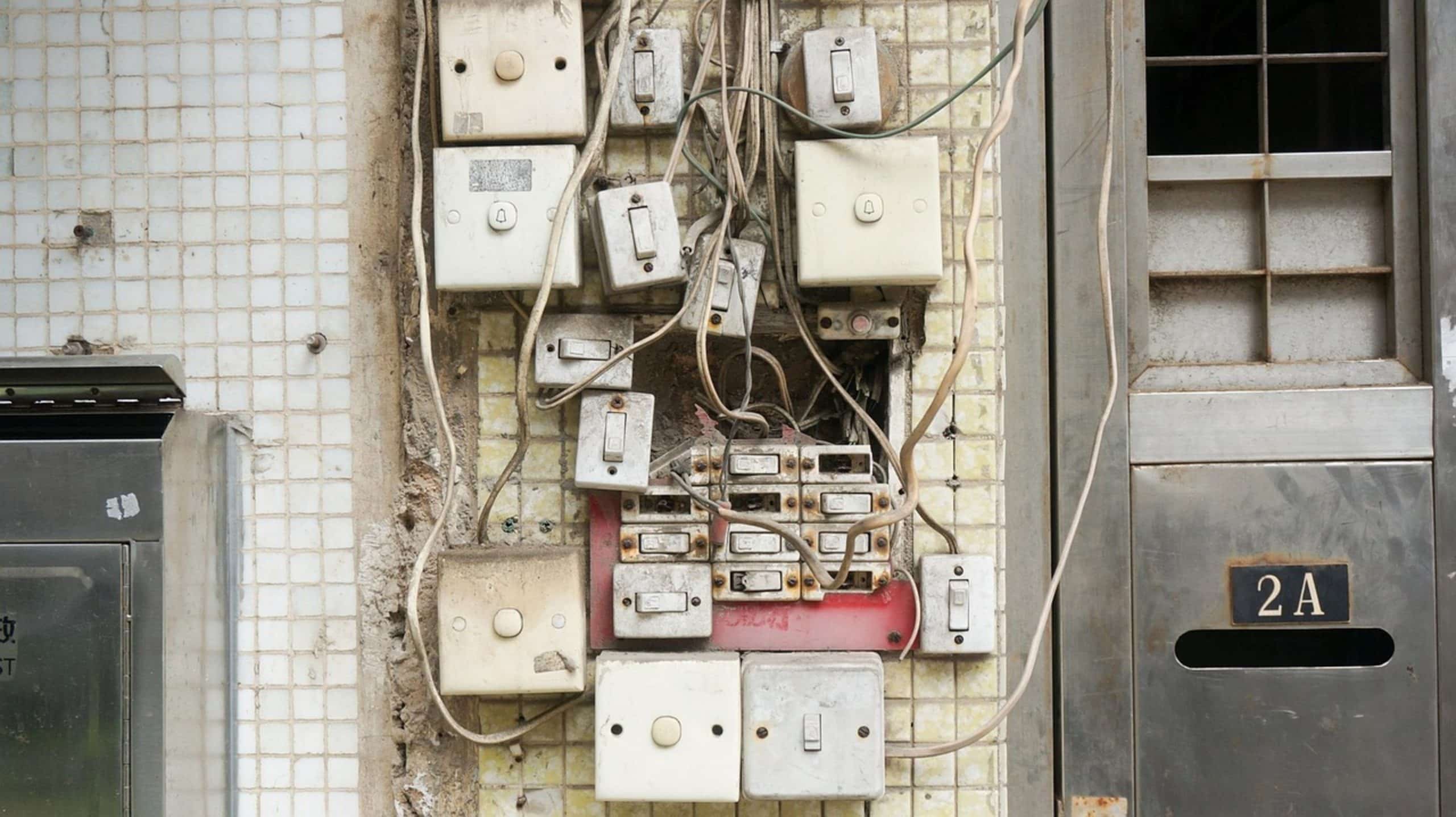
It’s also possible the problem isn’t with your charger or the battery at all; it could be the power source itself. To work properly, Milwaukee chargers require a steady supply of voltage. Overloading a power strip with too many powerful tools can cause inconsistent voltage.
This results in odd behavior like blinking lights and no charge cycle starting. Avoid this by plugging your charger directly into a wall outlet rather than going through an extension cord or power strip. Check the wall outlet by plugging something else into it to make sure it’s working.
If the charger functions when plugged directly into the wall, but not on the power strip, there’s your culprit. A dedicated circuit for high-draw tools removes power quality concerns, allowing the charger to receive enough constant energy to communicate with the battery.
Bad Cells and Diagnostics
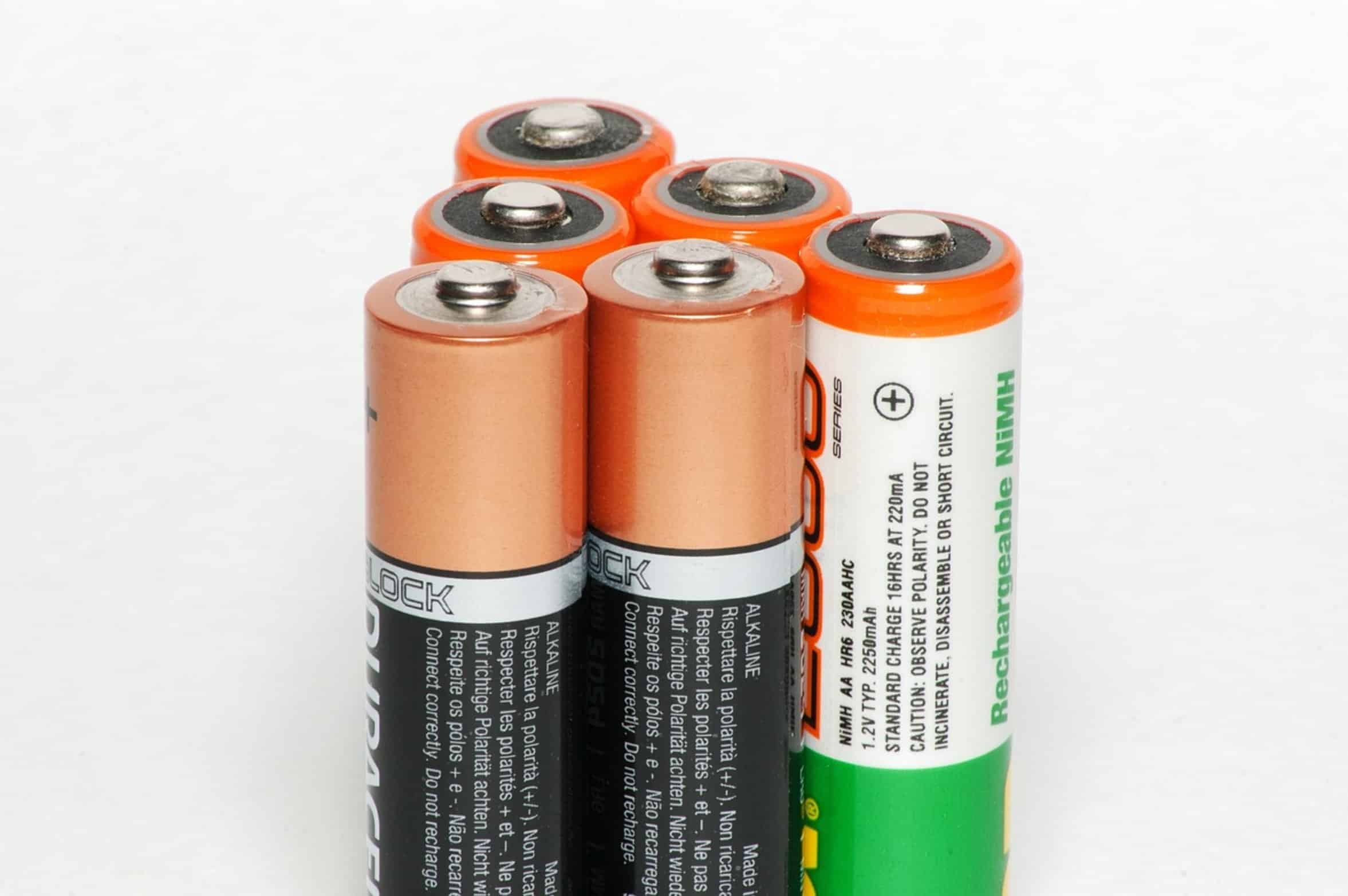
On very rare occasions, that red light indicates that the battery cells have given up the ghost.
After cleaning the contacts, checking the temperature (fifty to a hundred degrees fahrenheit) and ruling out the power source as the issue, it could be internal. Batteries will degrade different than over time on an individual cell level inside the pack. The battery management system kick in when the cells become unevenly charged, such that the difference in voltage gets too great and the battery is locked.
That’s what they call a bad cell. If you’re using a compatible battery and charger, you can get some good detailed diagnostics through the Milwaukee One-Key app. But without the app, a red light that won’t go away after all the other troubleshooting measures shows that the battery has come to end of its usable life.
Time for a replacement. Cost of doing business with high-powered tools. Look at your charger as well.
Physical Damage and Moisture
A physical issue might exist like internal faults or even a damaged charger body. Though Milwaukee chargers is tough, they do eventually wear down over time. Look for any exposed wires, frayed cords or cuts in the charger cord.
Examine the charger body for any water damage or cracks in the plastic. Exposure to harsh conditions or drops could cause inner parts to fail or shift. Try swapping batteries between chargers if possible.
Swap the battery into another charger if you happen to own one. If the battery charges properly on the alternate charger, then the first charger is probably bad. The charger swap will narrow down the culprit.
You won’t waste a perfectly good battery assuming it’s bad just because your charger is bad. That way when you know what part isn’t working, you can resolve the issue.
Even though tools may appear dry, they can be badly affected by moisture and humidity.
Moving tools rapidly between warm and cold environments can cause condensation to form within the battery case. The moisture will activate the safety sensors within the battery. Even a charger stored in a wet basement or garage could develop moisture on its contacts.
Store your chargers and batteries in a warm, dry location when not in use. If you think there may be moisture present, let the charger and battery rest in a warm, dry room for an hour or so. This allows any remaining moisture to evaporate naturaly.
Direct heat sources such as a hair dryer are not recommended because they can damage the interior electronics and/or plastic housing. Slow and steady wins the race, natural drying works best. Keeping moisture out of the equation is key to keeping tools working longer.
Firmware Updates and Maintenance
Sometimes updating the firmware on an old charger will fix issues with new batteries talking to it. Milwaukee has been known to update the software on their smart chargers to run more efficiently and speak to each other better. If you use a One-Key enabled charger, make sure to check the app for software updates too.
In some cases, an older charger doesn’t know how to talk to a new battery chemistry or even understand the protocol. When this happens, you get those red lights. Updating the software will ensure your tools are speaking the same language.
It is not much, but it is a small thing we often forget about. Technology changes and keeping up with it keeps you from being frustrated down the road. This proactive effort will help give your investment a longer life.
That annoying little flash from your Milwaukee charger becomes less of an infuriating mystery and more of a “ oh this thing again” troubleshoot-able issue. In most cases, that little red light isn’t saying your charger is dead. It’s telling you to clean a contact, let it cool off for a bit, or check if there is any power.
Steadily eliminating the easy issues will usually put you right back in business without having to spend too money. Instead of buying new batteries because they simply got dirty, buy something cool with all of that spare cash; like a new accessory or even some new bits. Don’t forget, your tools are built to last, but you need to take care of them to keep them running well.