Stalling mid-drive always makes an impact driver frustrating to use. You’re going full bore with a full battery and torque, yet it die on you. Maybe it’ll click or even shudder and leave you high and dry.
Sounds familiar? If you own a Ridgid, this happen. They make a nice product, and because of their good reputation, you probably assume the issue lie with you.
Save your time; that’s not the case. Ridgid Tools have been rock solid for me. Most Ridgid impact driver issue is usually interactions between settings, fastener choices, or battery management rather than hardware failures.
The tool are strong. It needs to be treated as such. Most of the time if you’re getting no power, stuttering, etc… you don’t have to send them in.
A simple setting change will often resolve it right then. These is the things that are most common and how to fix them. Inspect the clutch of your tool.
Common Ridgid Impact Driver Fixes
Check Torque Control Settings
Many dial type have a torque control. Too low and it will just click without tightening screw. That’s because the tool is doing its job, protecting the screw head from being stripped.
Before beginning, inspect the dial. For long bolts in hardwood, go high. For drywall screws, set it so they don’t damage the surface.
Match the resistance to the material. Don’t just think more is better. Secondly check the batteries.
Inspect Battery Voltage and Contacts
The Ridgid drivers draws heavy current when in use. An older battery can run down and lower the voltage. When that happens it will cut off the tool to save its electronics.
That’s why you notice abrupt stops. Use another fully charged battery. If the tool operate on the other battery, then your original pack is likely worn out or has a bad connection.
Wipe down the contact terminals with a dry cloth. Oxidation accumulates over time. Keeping things cleaned helps provide a good clean contact for best power transfer.
Clean Chuck for Bit Retention
Another common problem is bit retention. A dirty chuck might cause a bit to come loose. The chuck is a typical hex chuck used by Ridgid.
It can gets gunked up by metal shavings that get caught in its insides. Clean them out with a brush or some compressed air. Sometimes the internal springs or jaws might be worn and your bit will feel loose.
That’s not uncommon on old tools but I have never seen that on any brand new tool. You can strip off screw head if you have a loose bit. Clean your chuck.
Allow Tool to Cool Down
Load bits using magnetic tips. Performance is reduced when overheated Impact drivers will overheat if used continuously. To protect the motor, it will turn itself off.
It’s a safety feature. Give the tool a few minutes (10-15) to cool down. Work in short bursts.
Running through the heat is a waste of time. Respecting the thermal limits extend the life of your tool. Think about your hardware.
Use High Quality Screws
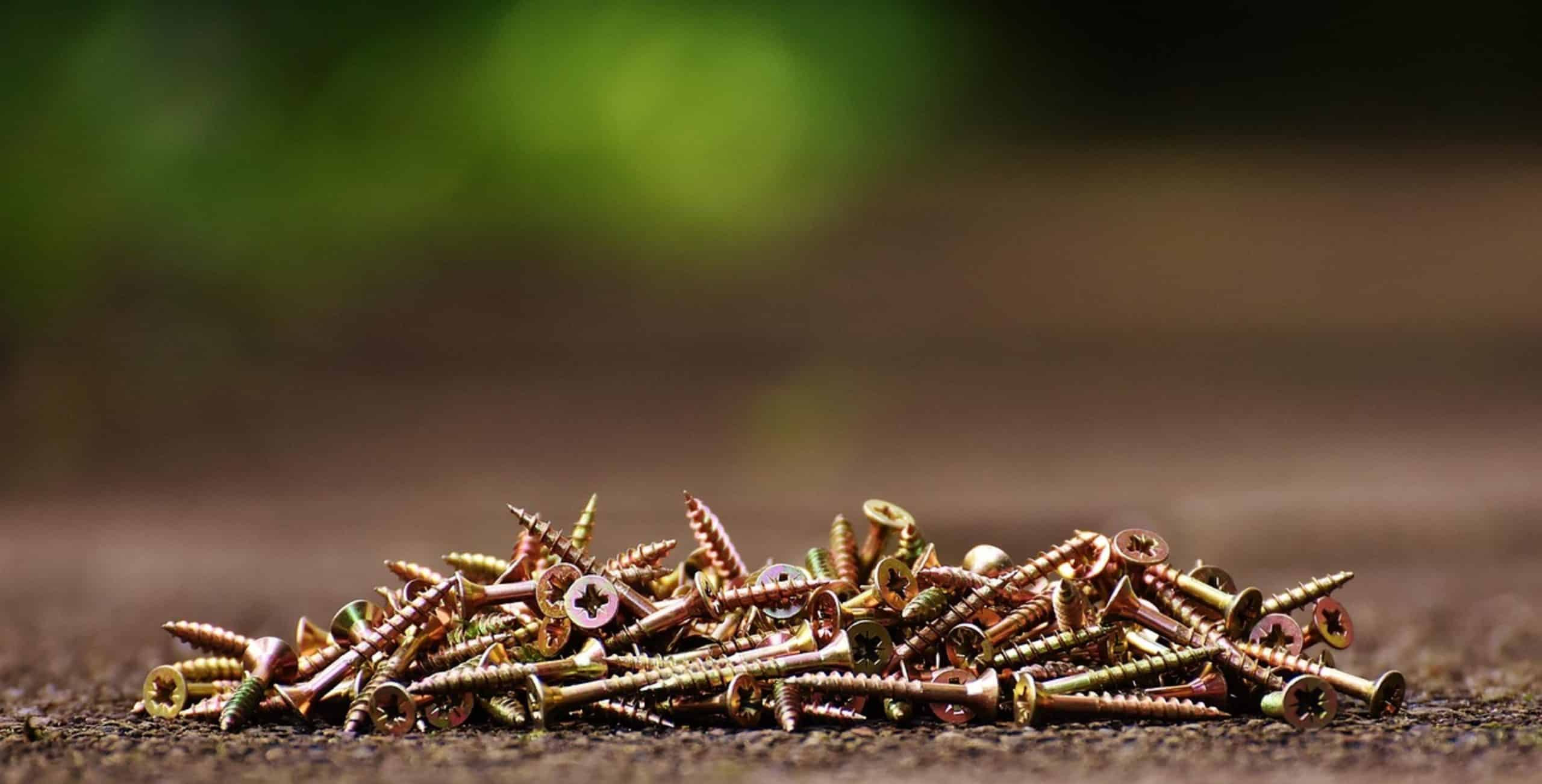
If you use cheap screws they’ll bind up the driver. What happens when you trigger the tool? It simply stops spinning.
Nothing. It just spins around and around without turning a screw. That friction from the binding creates a lock that triggers the clutch.
Invest in good screws. They has a nice sharp point and engage the driver better. It sends power effectively into whatever you’re driving.
It is a simple, fixable variable. Those items accounts for most of the stallers. If you take good care of your chuck, keep your batteries charged and set them up correctly, you should of had no trouble at all.
When your tool gets hot, let it sit and cool off. Take care of your Ridgid driver and it’ll take care of you. You’ll be able to get a lot of work done with this thing.