We all know that special feeling of frustration when your power tool quits just as you are about to finish something. Your thumb is locked on the trigger; the drill is against the wood, and. Nothing.
Maybe it just stopped spinning, or the battery indicator light flashes, or it tries to hum but doesn’t get anywhere. It seem personal, like the thing knows how exhausted you are and don’t want to do it anymore. In almost every case, this isn’t realy a problem with the motor.
It’s an easy break somewhere in power path. Before throwing that Bauer drill into the recycling pile, or paying to ship it back for a free replacement under warranty, check these few things. They should solves most issues without much fuss: When a power tool fails to operate, most DIYers presume the circuitry inside it have been fried.
They would be mostly correct, but they are missing the point. Power tools is built so their simplest mechanical parts can fails without disastrous results. Their extra safety features are designed to shut the tool down instead of letting it catch fire.
In the case of a Bauer drill (which is typical for most cordless tools of its class), there’s a tight seal between the tool body and the battery. When that seal becomes compromised, the tool shuts itself down rather than overheat or arc. These shutdowns aren’t irreversible, the best news here.
But you must know where to look. First check the battery contact points. Most of the time if a tool suddenly quits, this will be the problem.
Quick Fixes for Non-Working Bauer Drills
Check Battery Contact Points
The metal pads inside your drill where the battery plugs in gets oxidized, along with built-up dust and sawdust over time. That forms a barrier that stops the electrical flow. Your tool believe no battery has been plugged in.
Remove your battery and then look at the contact pads on the drill and on the back of your pack. Wipe them gently with a cotton swab or even just a dry rag. Sometimes a good firm wipe is all they need.
A little bit of electrical contact cleaner will also help if you notice excessive corrosion. But it’s a quick fix that restores the connection. Check battery charging status.
Verify Battery Charging Status
You’d think we wouldn’t have to mention that one, right? But here’s what happens: You pull out your Bauer battery and notice two green bars indicating a charged battery. Then you put some torque on it and it dies under load instently.
That’s because the cell is either cold or old (lithium-ion batteries). Voltage drops if the battery was kept cold. So if you’re keeping yours in a cold garage, bring it inside until it reaches room temp and test it again.
And if you still get no joy, replace the battery with another known-good unit. If it fires up using that other battery, then you’ve got yourself an issue with the power source (not the tool itself). You save yourself a bunch of time messin around with repairs.
Check the chuck for binding The chuck is the part of the drill where the drill bit fit into the jaw. If there’s something in there binding up the jaws or you have a bit stuck in the chuck, the drill won’t be able to spin. You’ll notice it humming or clicking, but it will stop because it gets too hot.
Inspect the Chuck for Binding
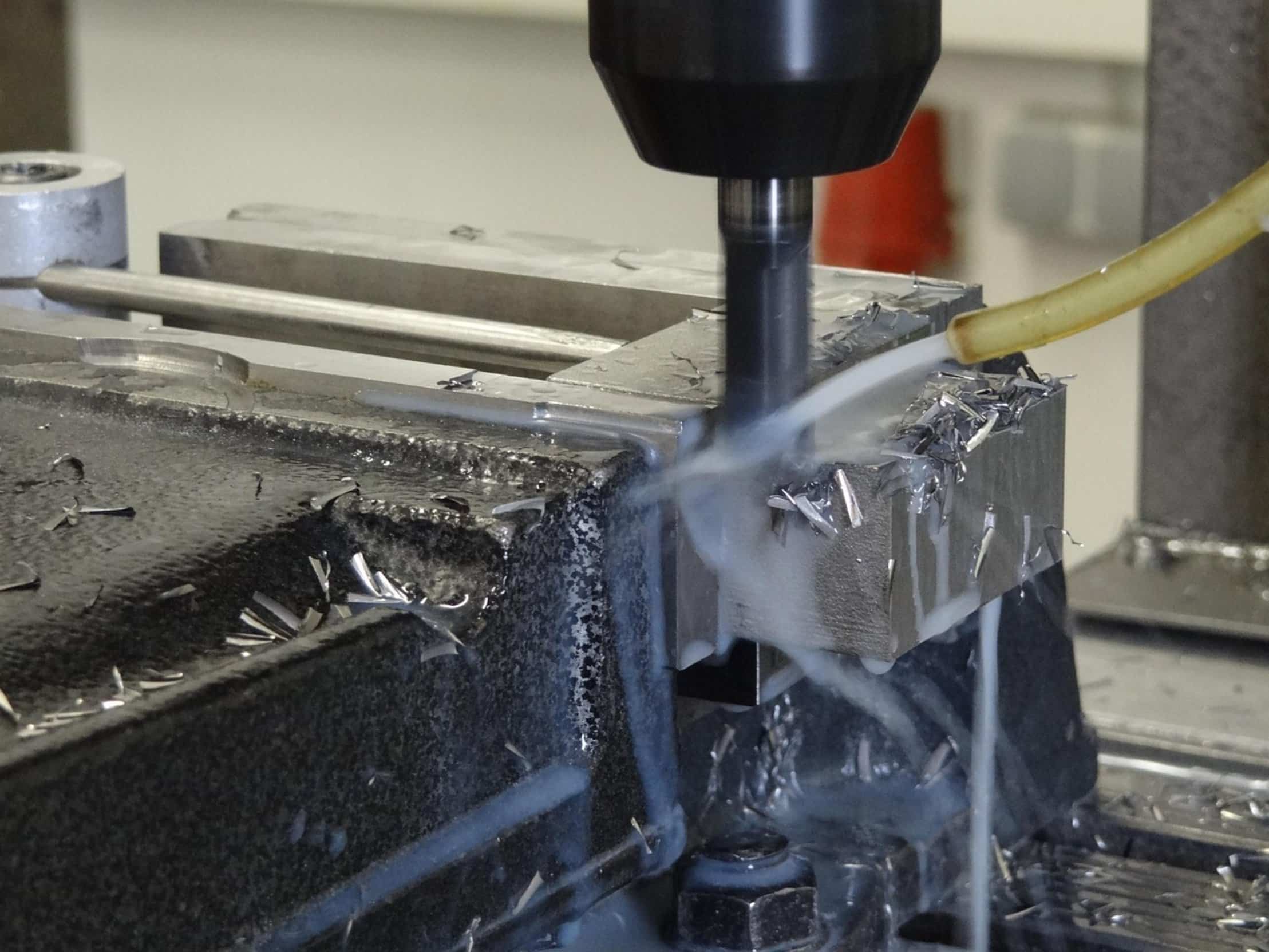
Try taking the bit out by hand first. If it’s wedged in place, you may have to use some pliers or a wrench to get it loose. When it turns freely with your hands, the motor should starts working again.
Don’t try forcing the trigger if the chuck seems stuck. You will just trip the thermal protection again. Check the power switch.
Examine the Power Switch
On a Bauer drill, the power switch are a mechanical switch. Dirt and debris can get packed inside and cause it to fail to make a proper connection. Or, the plastic around it can crack and prevent the trigger from working properly.
Gently wiggle the trigger. When you push it does it have a crisp click? Is it mushy or stuck?
It could just be that the switch assembly need to be repaired. That’s more involved. But it’s something to check first instead of assuming the motor has died.
A blast with compressed air in the trigger housing will sometimes clear out the blockage. Try to reset the tool: Certain tools, such as certain models from Bauer, actualy have a reset button you can push, or some process where you restore it to working order after it’s been in an error condition. Consult your manual for the reset sequence.
Reset the Tool
Simply pulling the battery out of the tool, letting it sit for 10 seconds, then putting it back in may get rid of momentary electronic errors. Like rebooting your computer, it doesn’t cost anything and can make a seemingly bricked tool work again. Last but not least, take into account how old it is and what kind of abuse it’s been through.
Was this a pro tool? Did they do a lot of drilling with it? That can cause the brushes inside the motor to wear down over time.
Assess Motor Wear and Tear
It’s a common wear part. If all else fails you might of have to send in your motor for some service. More likely than that though, if you’re an average homeowner like me, the problem is much more basic.
First, check the chuck, then make sure there’s juice going in, and lastly clean up the contacts. Most of the time, your Bauer drill is just sitting there waiting on you to inspect it a little more closely and get back to work.