Your Metabo cordless power tool. It is dead. Need that thing now!
Now! The job are waiting. Wait.
What? Charger won’t accept the battery or it’s blinking some strange code. The tool is dead and you can’t do anything with it.
Where’s the reliability of buying quality tools gone? It broke down on the job site. It’s the thing trying to do something, so most people think the issue has got to be charger.
Steps To Fix Metabo Battery Charging Issues
Understand the Battery Management System
But battery management systems on current Metabo tool are complex. They prevents charging beyond what the cell can handle and protect against thermal runaway or other things that might cause an overcharge. This causes them to cut off power for reasons having nothing to do with broken chargers.
Knowing this protects you from purchasing a replacement charger when you don’t need one.
Clean the Battery Contacts
Examine the physical contact points on the battery and the charger Oxidation, dirt, and even sawdust build up quickly on the battery’s metal contacts and create a barrier that prevents the charger from recognizing the battery pack. Even though you may believe your pack is plugged in properly, a small accumulation of gunk can be enough to disconnect circuit.
Clean the terminals on both the charger and battery with a soft brush or dry cloth. Often this will immediately restore communication between the two devices. It is the most common fix if they seems to be connected but are not communicating.
Check Battery Temperature
Secondly think about the battery’s thermal condition. Metabo batteries has built-in temperature sensors that will shut down charging if they is too warm or too cool. So the pack may still be too hot for charging due to the resistance inside.
Or perhaps you had it sitting outside last night in your cold truck bed and the chemistry won’t take a charge because it was also cold. Wait until the battery gets to room temp first. We aren’t asking this to avoid charging; we are asking because the chemistry require it to charge safly.
Interpret Charger LED Lights
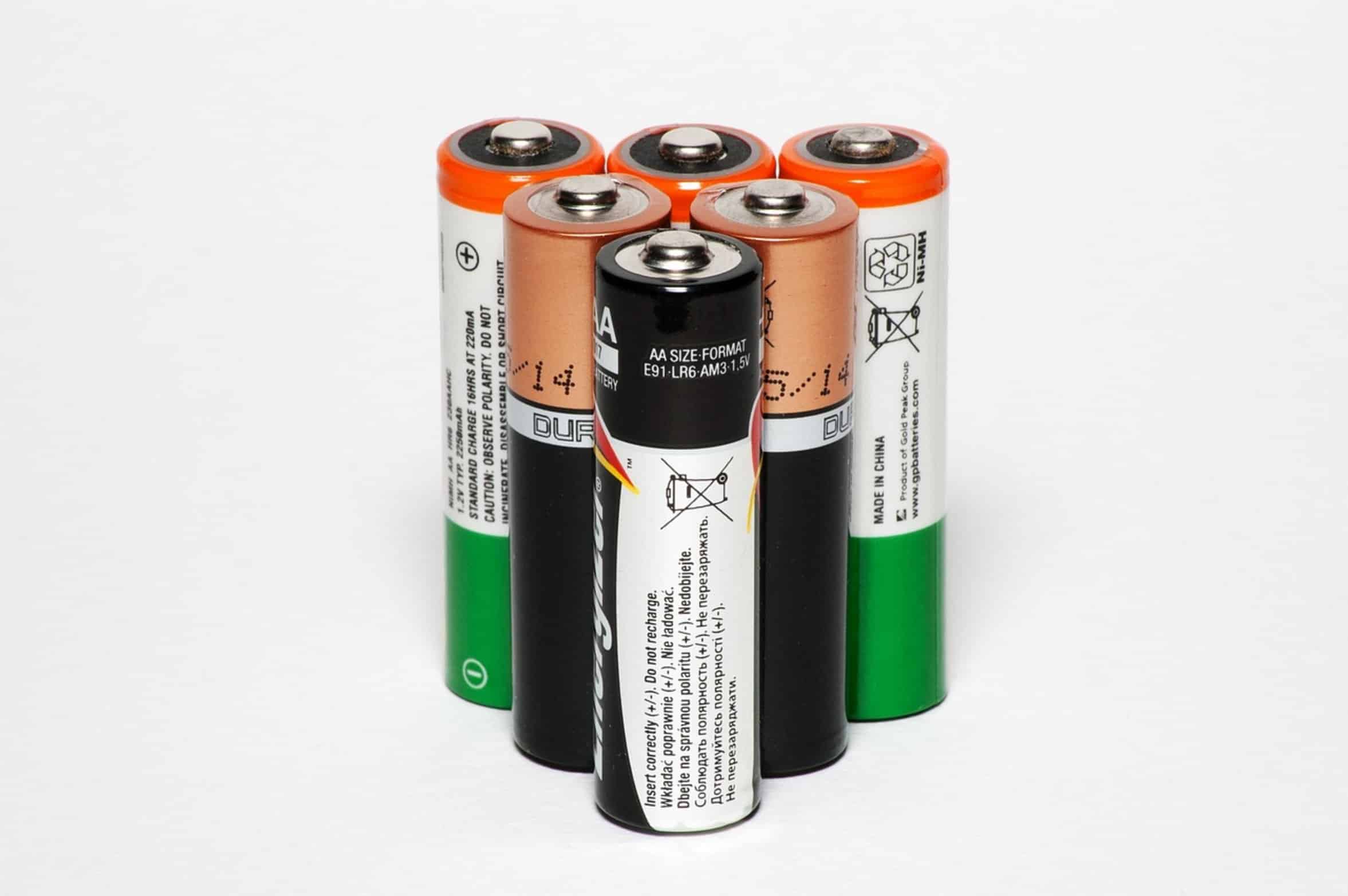
The LEDs on the charger are worth checking out as well. They each represent something different and show up in various patterns. Most of the time, seeing a single red light on the charger will indicate that it’s charging normaly.
Single amber or red lights flashing indicate some type of error state. Green indicates the battery is charged. Any kind of flash pattern?
Check your manual. Often, it will point you directly at what might be wrong (short circuit, cell imbalance). Don’t ignore the warning signs, you’ll just cause more harm by doing so.
Test with Another Charger
But if you do pay attention, you’ll know if it’s reversible or not, and whether it’s actualy a hardware failure. Swap the charger for one that works If you have another Metabo charger, try charging the battery on that charger. If it charges fine, then the issue is most likely the charger itself.
If not, the issue is in the battery pack itselff. This uses a process of elimination. This can save a bunch of time and money if you are trying to get something repaired.
A lot of guy will change their battery out when in fact it was their charger all along.
Inspect for Physical Damage
Visually inspect the battery: Is there any leakage, cracks, or bulges? A swollen battery indicate that some or all of the cells is degraded/failing and is unsafe to charge.
Replace it. Don’t try to bring back a bad battery, convenience isn’t as important as safety! Even if your battery has built-in safety features, a physically damaged battery can still explode or catch fire.
Know When to Replace
And lastly, how old is your stuff? Batteries generaly only last so long, usually based off how many times they are charged. After 3-4 years of hard usage, they just won’t hold a charge as well anymore.
They may function, but it’s quicker and quicker with the next go around. Maybe that’s why your tool isn’t holding a charge anymore… if your Metabo tools is older, maybe that’s the end of the line for them. Know when to change it out and accept it.
This allows you to plan on upgrading instead of battling a lost cause. Sometimes knowing is half the battle. Tools shouldn’t be a hindrance, but an aid in your job.
Don’t waste time or money chasing imaginary problems when you can methodically rule out hardware malfunctions, temperature issues, and poor connections. The vast majority of charging troubles are simple things that went wrong, not some epic failure. Listen to the lights, maintain good contact, heed the temperature restrictions, and you’ll spend less time troubleshooting and more time working.
It is for your next project.