
The Hilti fails to charge out on the jobsite; it’s frustrating, stops your work, etc. You know the battery has power, or at least you thought it did, but it might actualy be at the end of its life. Rather, the problem is usually something simple like dirty contacts, temperature, or the power source. Charging failures are frustrating for anyone who relies on cordless tools for a living.
Usually it’s not a major equipment failure. Oftentimes it’s just some simple thing like wrong temperature or dirty contacts. Knowing what can cause this will save you time and money.
Simple Steps to Fix Hilti Battery Charging Issues
Cleaning Dirty Battery Contacts
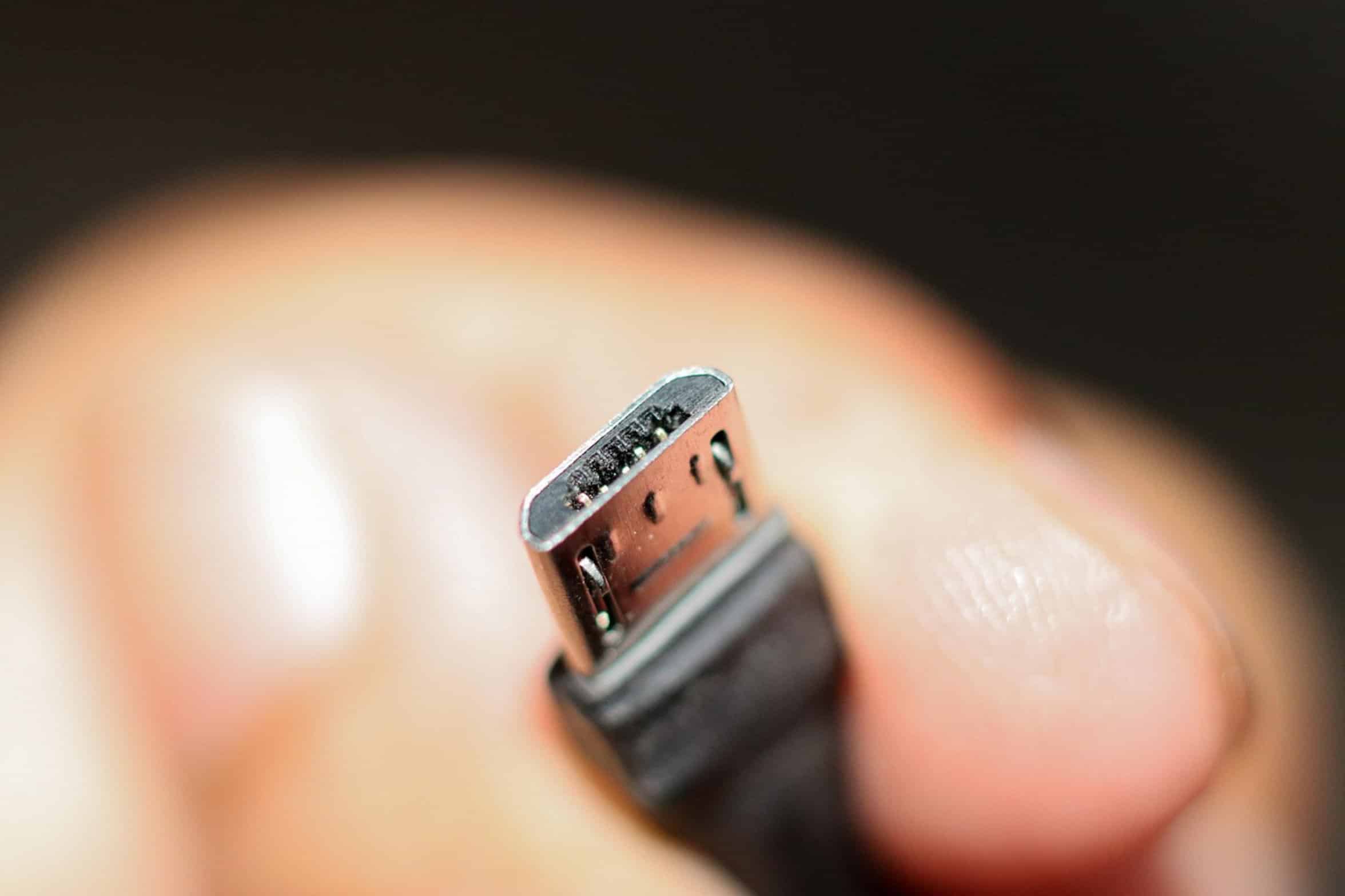
Clean the battery terminal contacts. Next, inspect the charger terminal contacts and those on the battery. Grease, dust, and other junk like concrete residue collects on them.
This stuff block the current from completing its path. Just a little bit of crud can fool you into thinking your battery is dead or your charger is out of commission. Using a tiny brush or a soft rag, clean off the terminals.
There’s usually some type of darker grease or light powdery material. Wiping them down restores circuit immediately. I think most people skip right over this.
Temperature Effects on Charging
Lithium-ion batteries can be affected by temperature as well. The batteries don’t like being charged out of their operating range. Too cold (like an overnight in the back of a truck) and the charger won’t accept the battery.
Too hot (after heavy duty usage) and again the charger won’t take the battery. It is not a defect, but just a safety feature. It is a way to keep the chemicals stable and to avoid thermal runaway.
Let the cold battery come up to room temp on its own. Let the hot battery cool off. Trying to force a charge on an extreme temperature battery will just result in a flashing light or no light at all.
Just be patient, and the problem will be resolved. The power source and charger are also items you want to check out. Is the charger plugged in?
Checking Power Source and Cable
Often, there is daisy-chained power strips at job sites where connectors are loose. Are other devices plugging into the same circuit showing that they’re getting power too? And take a look at the charger cable.
Is it damaged or kinked? It’s possible a wire has been broken within the jacket of the cable, interrupting the signal. Indicator lights tell you something specific.
Reading Indicator Lights

Generally speaking, a solid green light mean the battery is not detected or it is fully charged. If you see a flashing red light, that often indicates a fault or temperature issue. Knowing how to read indicator lights will save some time.
Performing a Soft Reset
The occasional charging failure is also caused by software. The new chargers that talk to the tool digitally adjust the charging profile based off what they are communicating with. Sometimes something goes a little funny in that conversation and it stops charging.
Unplug the charger, remove the battery and wait 30 seconds. That’s called a soft reset and wipes out any temporary errors that occured in the control logic. Most false alarms is solved easily with a simple reset.
Inspecting Battery Lifespan
Otherwise, the problem might be deeper. Last, inspect the battery itself. Just like any battery, lithium-ion cells has a limited lifespan that can be accelerated by repeated full charging/discharging cycles or sitting with a full charge.
It’s possible that an old battery will run a tool for a while before the charger indicates no battery connected. In this case, resetting, cleaning and temperature control are useless; it might just be reaching the end of its life. This is not a fun realization, but it also means you don’t waste money on a new one when the charger still works.
Knowing whether it’s a dead cell or a contact issue save your bacon. Most of your charging issues can be resolved by trying these troubleshooting steps first before you call for help. Checking the power source, temperature, and wiping off the contacts will solve most charging issues.
Remember, Hilti tools were designed to work hard… But they also need a little care. Maintaining them properly ensures that the juice keeps flowing.
Working tools keeps you working.