
There’s no light! Your Worx charger isn’t working and you’re in the middle of a project. The LED indicator has no glow.
Usualy this indicates that battery won’t charge. It seems like a serious failure, but don’t jump to conclusions just yet. Odds are it’s not a broken charger; it’s something easier to troubleshoot.
It is often a confused sensor, a loose connection, or some sort of safety lockout. Most of these can be remedied within a minute. While the Worx Power Share system is beefy, it’s sensitive when it comes to safety.
Metal contact points on the charger communicate with the battery. And if there’s any disruption of communication, the process halts. This handshake will save you a trip to the store.
No new charger require. Chances are all that’s needed is a little resetting and removal of dust or something else. Here are most common causes and fixes.
Quick Fixes For Worx Battery Charger Issues
Clean Contact Points
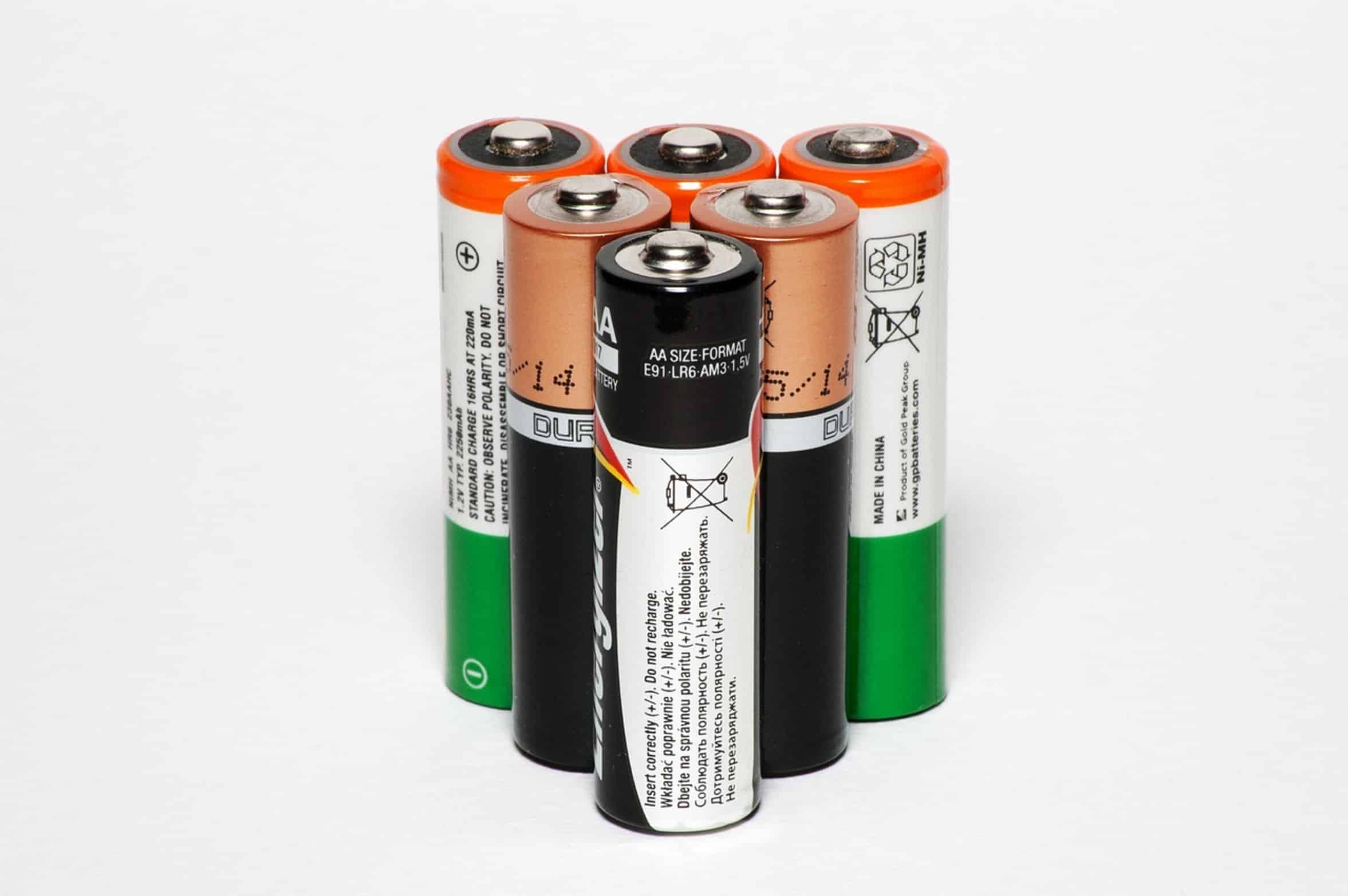
First thing: Physical interface; that’s what the charger says hello to. It has a set of metal contacts that talk to your battery’s set of contacts. Oxidation, sawdust, or any other goop on those contacts prevents an electrical path from being completed.
The charger senses resistance and sees a non-existent battery. It remain dark. Use a clean, dry cloth to wipe down the battery pack terminals and those on the charger itself.
Believe me: There’s a lot more gunk in there than you think. Even a very light coating of carbon dust will disrupt the connection. Clean ’em shiny.
Then slide it in hard. Listen for that click. That means a solid connection.
Check Power Source
If you don’t get the lights yet, something beyond simple contact dirt are wrong. Next, check the power source. Believe it or not, outlet failure is surprisingly common.
Test whether the outlet is live by plugging something else (a phone charger, lamp, etc.) into the same outlet. Is the outlet functional? Now check your charger cord for any kinks or frays close to the base of the plug or at the plug.
A broken wire inside will often occur at stress points. If everything checks out on the cord but your charger still won’t light up, move it to another outlet in a different room. It could be a tripped GFCI breaker in that part of the house and not actualy the charger at all.
This easy switch removes any electrical weirdness with your house before you start taking things apart.
Verify Battery Temperature
How’s the battery temp? Worx has thermal sensors that won’t allow the pack to be charged when it’s too warm or cold.
It could still be hot from your recent chore-intensive workday. Thermal runaway protection will cause the charger not to engage. Put the battery down in a dry and cool spot for 20 minutes.
Or perhaps you’re out in the frozen tundra doing some work. Those Lithium cells can be too chilly to recieve a charge. Gently take the battery indoors to let it reach room temperature before plugging in.
Once the battery temperature levels off into its safe range of use, the lights will turn on. Even though it might seem like a pain at the time, this is protecting your investment.
Reset The Charger
Check if it needs a reset.
A few of the Worx chargers has a self-lock out feature. They enter a mode where they do not charge because they sensed an overheat, too much current draw, or some other fault. In those instances, the charger lights will not come on and won’t turn on again until unplugged from the wall and the battery is removed.
Then let it sit for about one minute to give the onboard controls time to reboot and the capacitors inside the unit time to drain. Plug in the charger first and then put the battery back in. It should flicker the lights back on at that point as it is booting up.
Sometimes temporary issues look like hardware failures, and the reset clears them up.
Test Battery Health
If you still cannot get it going, it might be more than just a temporery issue. Check the battery’s health.
A battery that was sitting dead for several months might have a voltage so low that it falls below the threshold the charger recognizes. It shut down because it doesn’t want to risk anything unsafe happening. Switch out the battery with a known good one from your stash of Worx batteries.
If the second battery cause the charger to light up, then the first one is likely dead or very far down. Sometimes you can get a really dead pack revived by using a different, compatible charger. Do not use gasoline, or even better, try plugging it into a different compatible charger.
But if this happens more often than not, it’s time to start thinking about replacing the batteries as their chemistries is failing.
When To Replace Charger
When to replace You have gone through the steps above, such as cleaning contacts, checking power and temperature, and resetting the unit. The charger remains unlit and there’s no sign of life.
It’s probably time to consider replacing your charger. It’s not impossible to fix if you’re handy but in most cases it’s cheaper to just buy a replacement. Worx has some cheap chargers that will do the job and are safe to use versus having an old charging circuit board on fire.
Trust your troubleshooting efforts. You’ve saved these tools from early retirement. Now you can go back to work knowing that they are good to go.