
Your phone is down to 1%. You grab your cable and it’s the icon. But the percentage doesn’t budge.
You wait. Nothing happens. The battery seem to have quit on you.
That is not fun. These days, our phones are part of us. They’re our lifeline.
Without them, we miss calls. We can’t navigate. Before you stuff that old iPhone or Samsung in a drawer though, know this: Sometimes the problem isn’t with its battery at all.
Sometimes it’s the route the electricity travels to reach it. Charging problems can be diagnosed as much by process of elimination different than by understanding electronics. From the wall outlet all the way back to the battery cell it’s just following path where power flows.
Something has to break that path for no current to flow. Fortunately, nearly everything along that path is something you have access to. You do not need a degree in engineering.
You don’t need a soldering iron. Just keep an eye out on what you touch every day. Begin at the physical connection and follow back to its origin.
Simple Home Fixes For Batteries Not Charging
Check Your Charging Cable
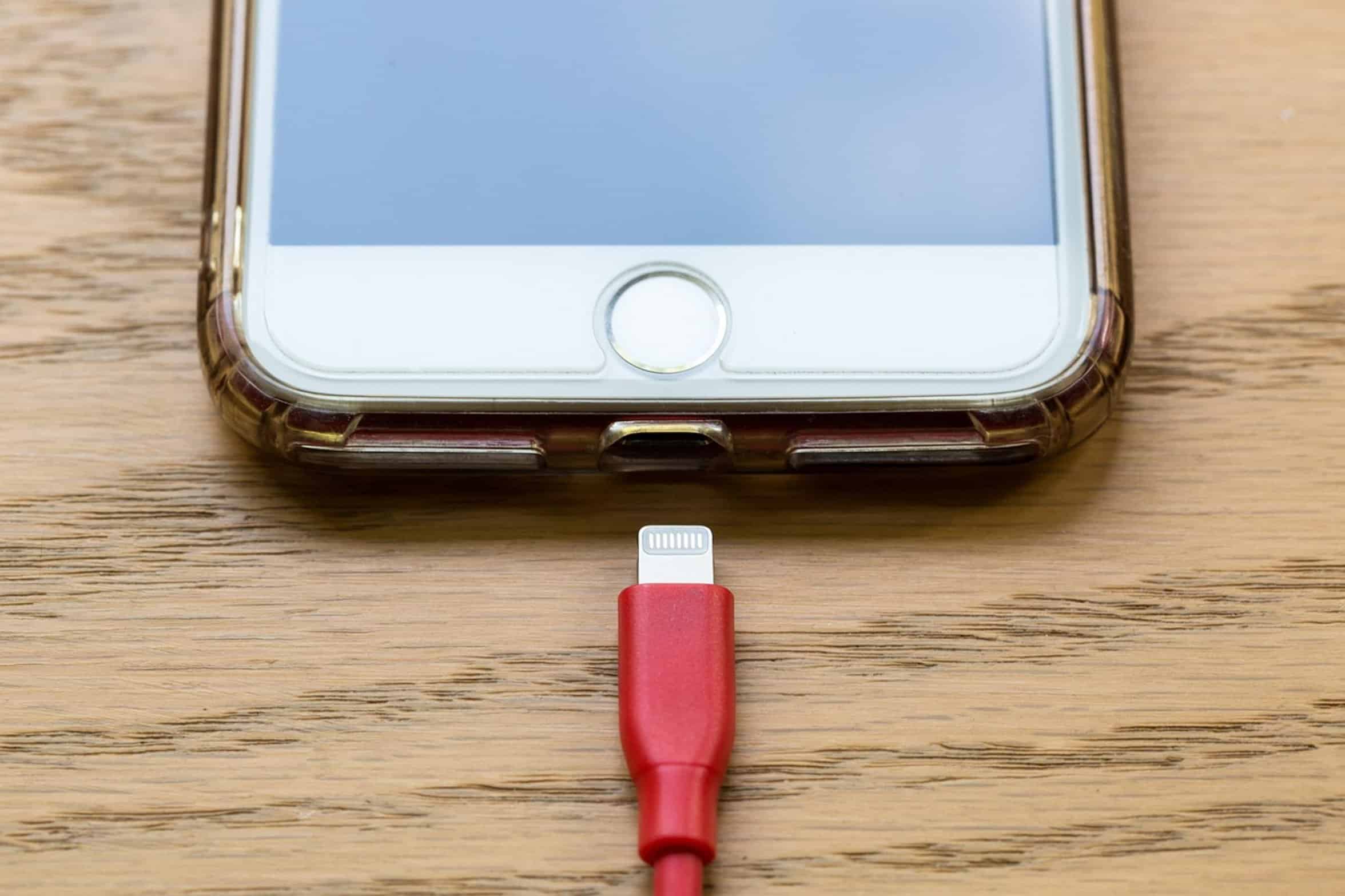
The first suspect is the cable. We beat up on our cables. We kink them tightly at the connector heads.
We walk all over them with shoes on underneath our desk. We stuff them in a drawer all crumpled up. That’s enough to physically break the small copper wire within insulation.
You’ll have what appears on exterior to be an intact cable that’s cut through internallly. First try another cable. If your phone starts charging, you’ve found your problem.
Don’t automatically write off the cable as bad simply because it doesn’t appear damaged. Internal wear and tear of inner wires won’t often show itself to the eye.
Clean the Charging Port
Then take a look at the charging port.
That’s where all the pocket fluff, lint and other dust accumulates over time. Those fibers pack into the USB-C or Lighting charging port, forming a barrier between pin connections on your device and those of the charger plug. Your phone senses that it’s connected, so it believes it’s plugged in, but due to bad electrical contact, no charge flow.
Clean it out gently with a non-conductive tool. A wooden toothpick will do the trick. Don’t use anything metal, you can short the port out.
This quick cleaning fixes far more phones than most realize.
Match Charger Wattage
Bricks aren’t created equally. Don’t use your 2012 five watt iPhone charger to try and juice up a tablet or moddern laptop.
It just isn’t powerful enough. Likewise, don’t use a super-high wattage laptop charger with some cheap, non-certified cable. That messes up how the device and charger talk to each other.
The two talk to one another prior to sending power. They haggle over current and voltage. If there’s no agreement, the thing won’t charge.
Use reputable brands for chargers/adapters. Those cheap knockoffs won’t have safety circuitry required to deliver steady power.
Restart and Update Software

It can be a software issue as well.
The power management system on your phone has gotten all glitched up. It reports the battery is full even though it isn’t. Or maybe it thinks there is a charging error, because the driver got corrupted.
Forcing the operating system to restart the power controller reinitializes it, which clears that. Restarting will do it. Otherwise look for software updates.
Often manufacturers push out fixes to their operating system that correct how battery is reported. Now these won’t add any capacity but will allow you to use what you have. It is free and takes two minutes.
Temperature Sensitivity
Lithium ion chemistry is very sensitive to temperatures. It does not like extreme temps at all. When it’s too warm, the charging will shut off to protect the system.
Too cold and the ions slow down so much that they won’t take a charge. Let it warm up to room temp and try again. Not an easy solution here.
Just wait. The battery has to have a consistent environment for it to work. Hot will degrade the cells over time.
Cold just puts them in suspended animation.
Replace Dead or Swollen Battery
But if all that fails, there’s one last possibility: The battery might be dead as in chemically dead. Yes, lithium ion batteries can die over time.
Each charge and discharge wears them down. So after a couple of years they just won’t hold a charge any longer. There is nothing wrong with how you’ve been treating them; it’s just time passing.
And at this stage, home remedies are exhausted. You’re going to have to take it in and get a pro to replace it. Sometimes you should of known when to call it quits.
A swollen battery is bad news. If the screen looks like it’s getting puffy or if your case is feeling snug, stop using the device immediately. It is time for a replacement.
Safety comes before convenience. When it comes to your digital life, power has to be safe. Respect the source.